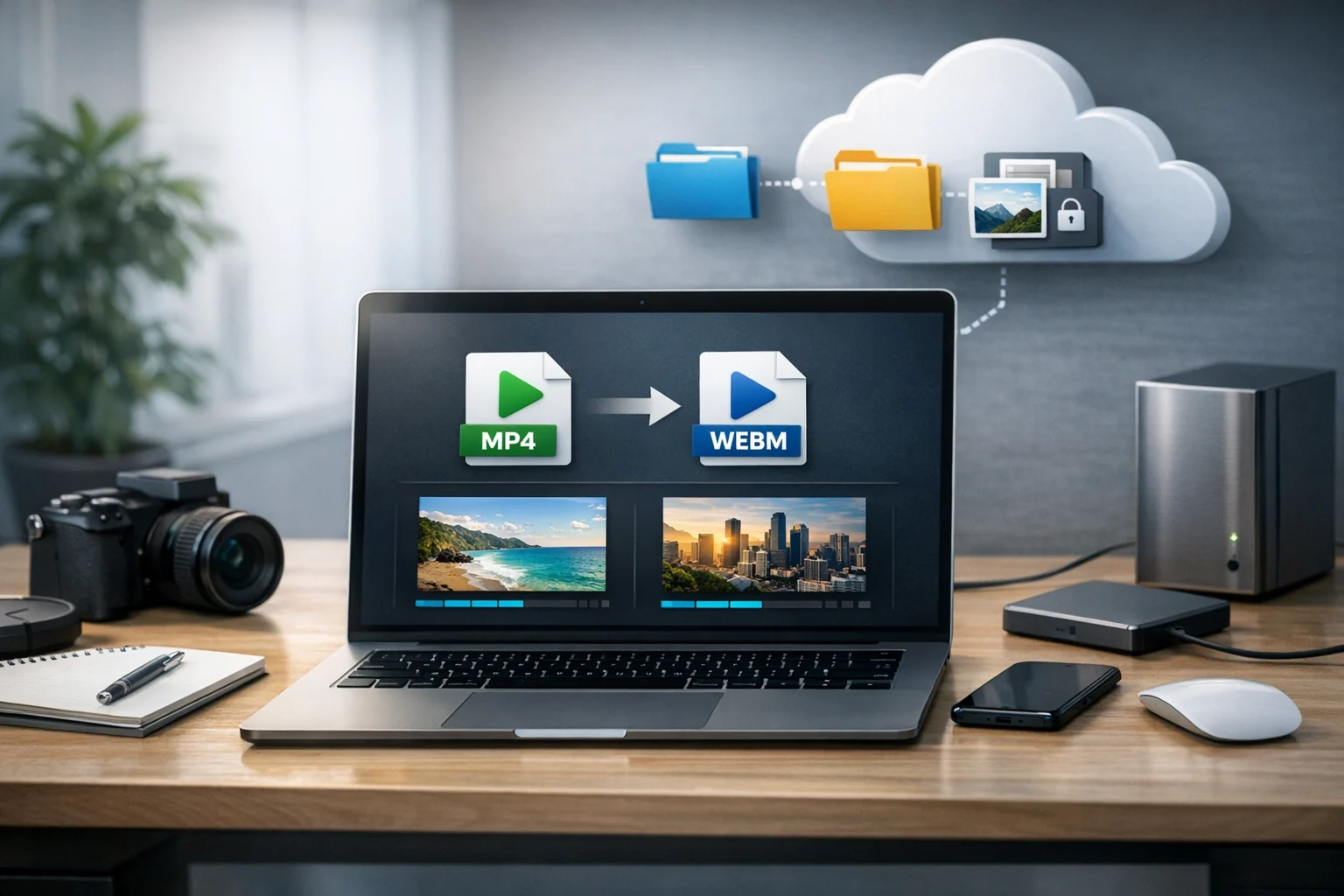
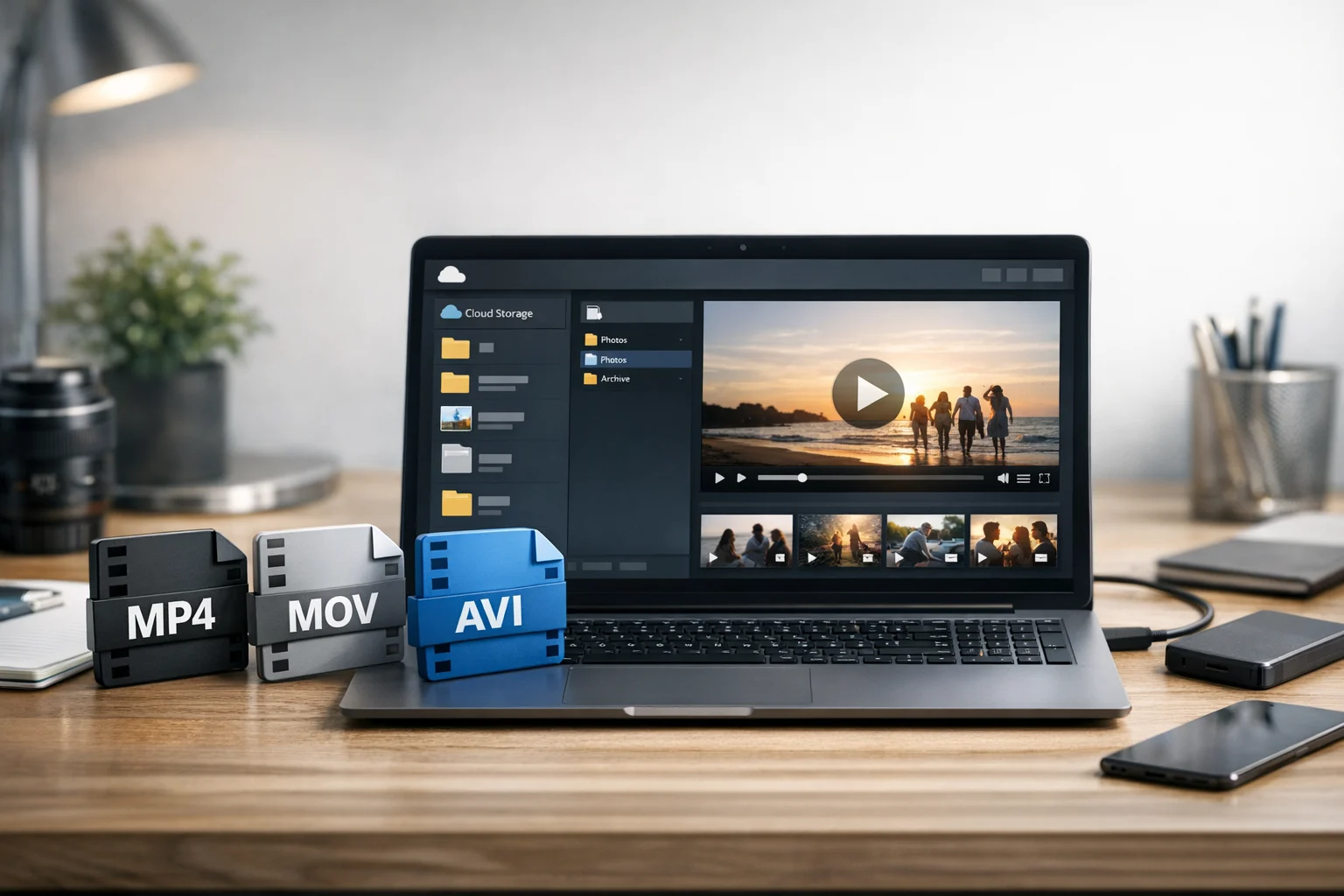
When you need to share a video online, the file format matters more than many people expect. A video that looks great on your laptop can become a problem when it uploads too slowly, won’t play on someone else’s device, or ends up taking too much space in cloud storage. That’s why the MP4 vs MOV vs AVI question keeps coming up for students, creators, marketers, office teams, developers, freelancers, and everyday users.
Each format has strengths, but they’re not equally useful for modern online video sharing. If your goal is simple playback, smaller files, broad compatibility, and easier storage, one format usually stands out. If your goal is editing, preserving higher quality, or working inside a specific software ecosystem, another may make more sense.
This guide breaks down how MP4, MOV, and AVI compare in practical terms, including upload speed, playback support, compression, quality, and long term file management. If you often use a file converter for work or school, or you regularly convert video files before uploading them, understanding these formats can save time.
Why video format matters for online sharing
Online sharing is different from local playback. A file that works fine offline may still be a bad choice for email, messaging apps, learning platforms, social networks, client portals, and team collaboration tools. Video formats affect:
- File size and upload speed
- Playback compatibility across devices and browsers
- Video quality after compression
- Editing flexibility before publishing
- Storage costs in cloud storage or document storage systems
- Ease of backup for future use
For many people, the format choice isn’t just technical. It affects whether a class project uploads on time, whether a client can open a promo video, whether a product demo streams smoothly, and whether a growing media library stays manageable in secure file storage.
What is MP4?
MP4 is the most common video container used for online delivery. It’s widely supported on phones, tablets, laptops, smart TVs, browsers, and social platforms. In most cases, when people ask which format is safest for sharing, MP4 is the answer.
MP4 files usually combine good quality with efficient file compression. That makes them a strong fit for websites, email attachments, messaging, social media uploads, course platforms, and business sharing workflows.
Why MP4 is popular
- Works on almost every modern device
- Typically offers smaller file sizes than AVI
- Well suited for streaming and web playback
- Easy to upload and store
- Accepted by many editing and publishing tools
For online video sharing, MP4 is often the default because it balances quality and efficiency better than older formats.
What is MOV?
MOV is a format developed by Apple and is closely associated with QuickTime. It’s common in video production workflows, especially on Macs and in creative software. MOV can preserve strong quality and is often used during editing or export from professional tools.
MOV files can be larger than MP4, depending on the codec and export settings. They may also be less convenient for quick sharing if your audience uses mixed devices or older systems.
When MOV makes sense
- You’re editing footage in Apple focused software
- You want a higher quality intermediate file
- You’re sharing with collaborators who expect MOV
- You need to preserve more detail before final compression
If you’re choosing between MP4 vs MOV, a helpful rule is this: MOV is often better during production, while MP4 is usually better for delivery.
What is AVI?
AVI is an older video container introduced by Microsoft. It can still be useful in certain legacy workflows, but for modern web sharing it’s usually the least practical of the three. AVI files are often larger, less efficient, and less optimized for today’s streaming and browser based environments.
AVI can still play well on some desktop systems, and some niche tools or archival workflows may still rely on it. But if your main goal is fast online sharing, AVI is rarely the best choice.
Where AVI falls behind
- Larger files are common
- Less efficient compression for online use
- Not ideal for streaming platforms
- Can create compatibility issues on mobile devices
- Usually slower to upload and harder to manage at scale
MP4 vs MOV vs AVI at a glance
If you need a quick answer, here’s the practical comparison:
- MP4: Best for online sharing, broad compatibility, smaller file sizes, and reliable playback
- MOV: Best for editing workflows and Apple centered environments, but often larger for sharing
- AVI: Best only for specific legacy uses, usually not recommended for modern web delivery
For most students, small businesses, creators, marketers, and office teams, MP4 is the safest format to send, upload, and store.
Which format is best for compatibility?
Compatibility is where MP4 clearly leads. If your viewers are using different operating systems, browsers, phones, or business devices, MP4 gives you the highest chance of smooth playback without asking the recipient to install extra software.
MOV works well on Apple devices and in many modern players, but it’s still more likely to create issues than MP4 in mixed environments. AVI is the most likely to cause trouble, especially on mobile devices and web based platforms.
If you’re sending a video to clients, classmates, coworkers, or customers, choosing MP4 reduces the odds of support messages like “I can’t open this” or “the file is too big.”
Which format gives the smallest file size?
In most common workflows, MP4 wins again. Thanks to efficient compression, MP4 can keep quality reasonably high while reducing file size enough for practical sharing. MOV can also be compressed well, but many MOV exports are larger because they’re created with editing quality in mind. AVI files are often the largest of the three.
Smaller file size matters because it affects:
- Upload speed
- Download speed
- Email and platform attachment limits
- Storage costs
- How many backups you can keep
If your team stores a lot of video tutorials, marketing clips, internal walkthroughs, or recorded meetings, choosing an efficient format can make a real difference over time. That’s especially true if you rely on cheap cloud storage for growing libraries or need file backup copies without wasting space.
Which format gives the best quality?
The answer depends on what “best quality” means in your workflow. MOV often has an advantage in editing and production because it’s commonly used for high quality exports and intermediate files. AVI can also preserve quality, but it tends to do so with larger files and fewer practical sharing benefits.
MP4 usually offers the best quality to size ratio for delivery. For online video sharing, that ratio matters more than raw file size or theoretical quality potential. A slightly larger file isn’t useful if it takes too long to upload or won’t play well for the recipient.
In other words:
- For editing: MOV can be a strong choice
- For sharing: MP4 is usually the better choice
- For older workflows: AVI may still appear, but it’s rarely ideal today
Best format for social media, websites, and messaging
If your video is going to a website, social media channel, messaging app, course portal, or online presentation tool, MP4 is generally the format to choose. Many platforms already prefer or automatically convert to MP4 friendly settings because the format is so widely supported.
This is one reason a good video converter matters. When you convert video files before upload, you can reduce failed uploads, improve playback consistency, and avoid platform specific problems.
If you need a starting point for online file conversion, ConvertAndStore offers file converter and video converter tools that help simplify file preparation before sharing and storage.
When MOV is still the better option
Even though MP4 is usually best for delivery, MOV still has a strong place in many workflows. You may want to keep a MOV master file if:
- You plan to make edits later
- You need a higher quality archive before publishing
- You collaborate with editors using Apple software
- You want to export multiple versions later, including MP4
A practical workflow is to keep the source or edit friendly file in MOV, then export an MP4 version for the web. That gives you both flexibility and convenience.
When AVI is still worth keeping
AVI is not the best format for most online sharing, but there are a few cases where it may still appear:
- Old screen recordings
- Legacy business software exports
- Archived media from older Windows workflows
- Specialized tools that still default to AVI
In these cases, it often makes sense to convert video files from AVI to MP4 for day to day sharing, then keep the original only if you need it for record keeping or compatibility.
Storage, backup, and organization matter too
Choosing a format isn’t just about playback. It also affects how you store, organize, and protect your files over time. Large video libraries can quickly become expensive and messy if you keep everything in oversized formats.
That’s why many users pair video conversion with cloud storage and clear file management habits. For example, you might keep:
- A high quality master file for editing
- An MP4 sharing copy for clients or public use
- A compressed backup for long term retention
This approach helps with file backup, version control, and document storage alongside other work files. If your videos include sensitive business content, training materials, or client assets, encrypted cloud storage and secure file storage practices become even more important. ConvertAndStore readers who manage business documents and media together may also find this guide on encrypted cloud storage useful for protecting shared assets.
How compression fits into the format decision
People sometimes mix up format and compression, but they’re not the same thing. MP4, MOV, and AVI are container formats. File compression depends heavily on the codec and export settings used inside those containers.
That means a badly exported MP4 can still be huge, and a well optimized MOV can still be shareable. Even so, MP4 is more commonly associated with efficient web friendly compression, which is why it remains the default recommendation.
For teams managing many assets, this is similar to how a ZIP archive or RAR archive works for general files. The container matters, but so do the settings and the purpose. If you regularly package videos, design assets, and documents together, file compression can reduce transfer time and help you stay organized. ConvertAndStore also covers related archive topics, including how to create ZIP archives for faster file sharing.
Common real world use cases
Students
For presentations, assignments, recorded lectures, and project submissions, MP4 is usually safest. It uploads more easily and is less likely to fail in learning management systems.
Creators
If you edit in a Mac based workflow, you may keep MOV as a master file and publish MP4 for YouTube, social media, or brand partnerships.
Small businesses and marketers
For ads, landing page videos, product demos, and customer support clips, MP4 is the easiest format to distribute and reuse.
Developers and SaaS teams
For app demos, bug reports, feature explainers, and onboarding clips, MP4 is the most practical option for shared workspaces and browser playback.
Office teams and freelancers
For training videos, meeting recordings, and client deliverables, MP4 keeps transfers simple and storage lighter.
What to do if your video file is too large
If your MP4, MOV, or AVI file is too large to share comfortably, try these steps:
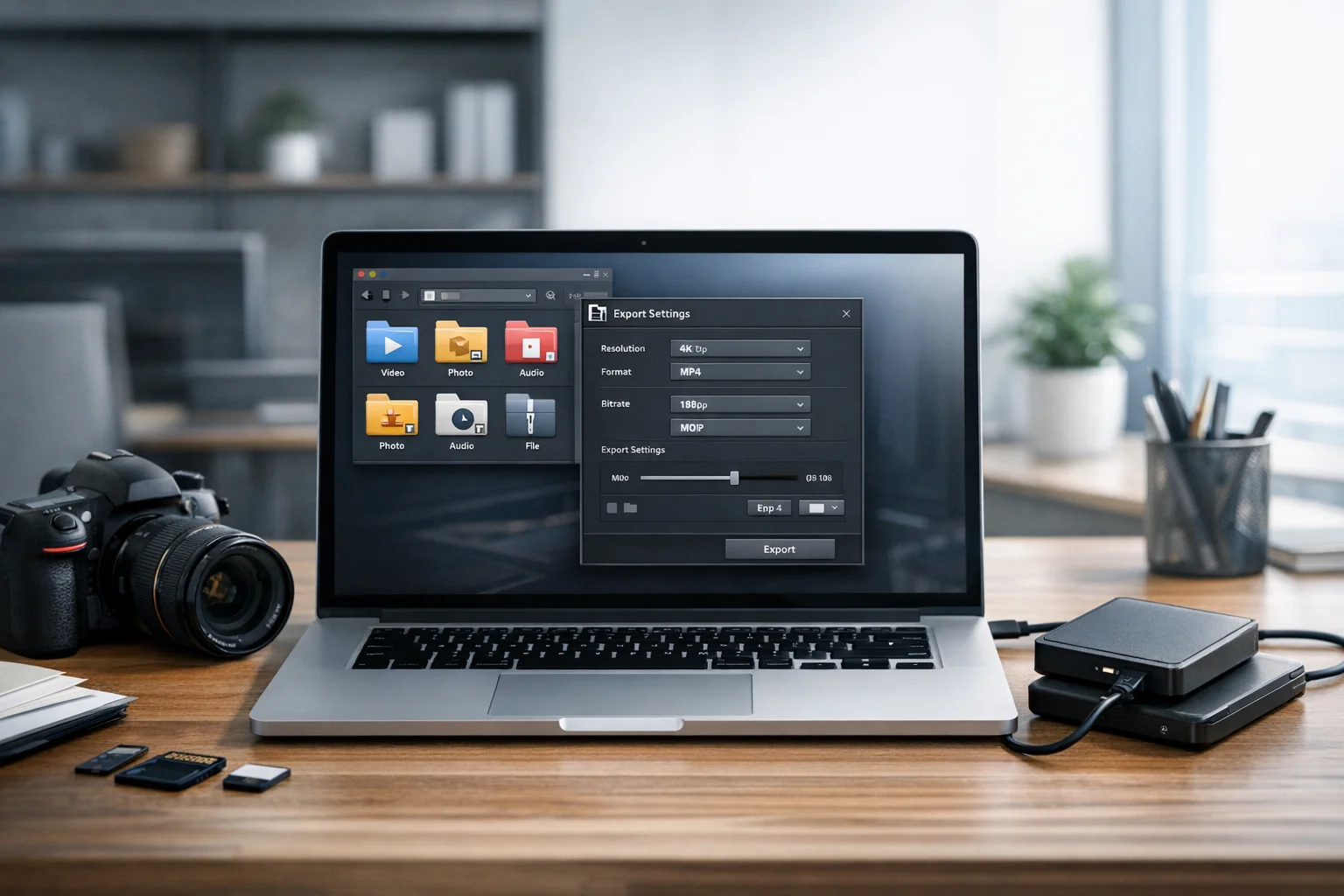
- Lower the resolution if full HD or 4K is unnecessary
- Reduce the bitrate
- Trim unused footage
- Export to MP4 for better size efficiency
- Store the master version separately in cloud storage
Large media files often benefit from a two version workflow: one version for editing and one for delivery. This helps prevent storage waste while keeping a quality original available when needed.
How this compares with other file format decisions
Video format choices are part of a bigger file management pattern. The same tradeoffs show up across images, PDFs, and archives. People compare JPG vs PNG when choosing graphics for web use, and WebP vs PNG when balancing transparency, quality, and loading speed. They ask what the best image format is for screenshots, logos, or product photos. They use an image converter to convert image files for websites and documents.
The same applies to PDFs and office workflows. Teams often need to convert PDF files for easier sharing, use a PDF converter to create presentations or previews, turn PDF to JPG for visual slides, or combine image to PDF when sending scans and receipts. If that’s part of your workflow, ConvertAndStore also offers PDF converter tools and image converter tools for related tasks.
Choose the format that fits the job. For public or team facing video delivery, MP4 usually fits best.
Should you keep original files after converting?
Usually, yes. If the original footage matters, keep it. Converting is great for delivery, but not always ideal as your only saved version. This is especially true for creators, businesses, and anyone working with paid client material.
A practical setup looks like this:
- Original source: kept for editing or legal records
- Working file: maybe MOV if you edit heavily
- Shared copy: MP4 for upload and playback
- Backup copy: stored in secure file storage
That approach improves resilience and makes future updates easier.
Frequently Asked Questions
MP4 is usually the best choice for online video sharing because it offers broad device compatibility, efficient compression, and reliable playback across browsers, phones, and computers.
MOV can be better for editing workflows and high quality exports, especially in Apple based software. For sharing online, MP4 usually gives a better balance of quality and file size.
AVI files are often larger and less optimized for modern streaming and mobile playback. That makes them slower to upload, harder to store, and more likely to cause compatibility issues.
Yes, if the footage matters. Keep the original or master file for editing, future exports, or backup, and use the MP4 version as the easier file to upload and share.
It can, depending on the settings you use. A good video converter can keep quality high while reducing file size, but aggressive compression or repeated conversions may lower visual quality.
Use organized cloud storage with file backup, limit access to sensitive files, and consider encrypted cloud storage or secure file storage if the videos contain client, business, or private information.