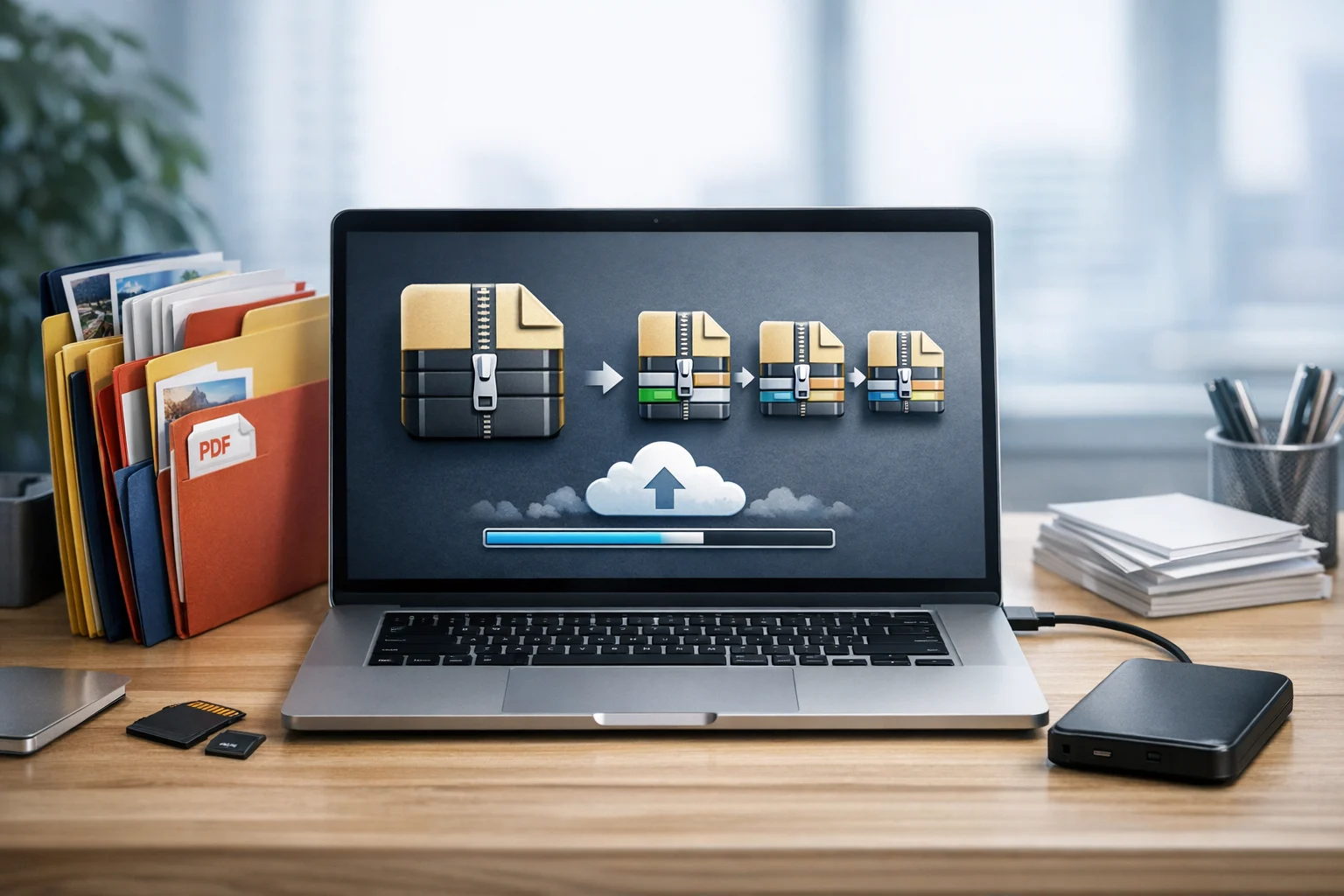
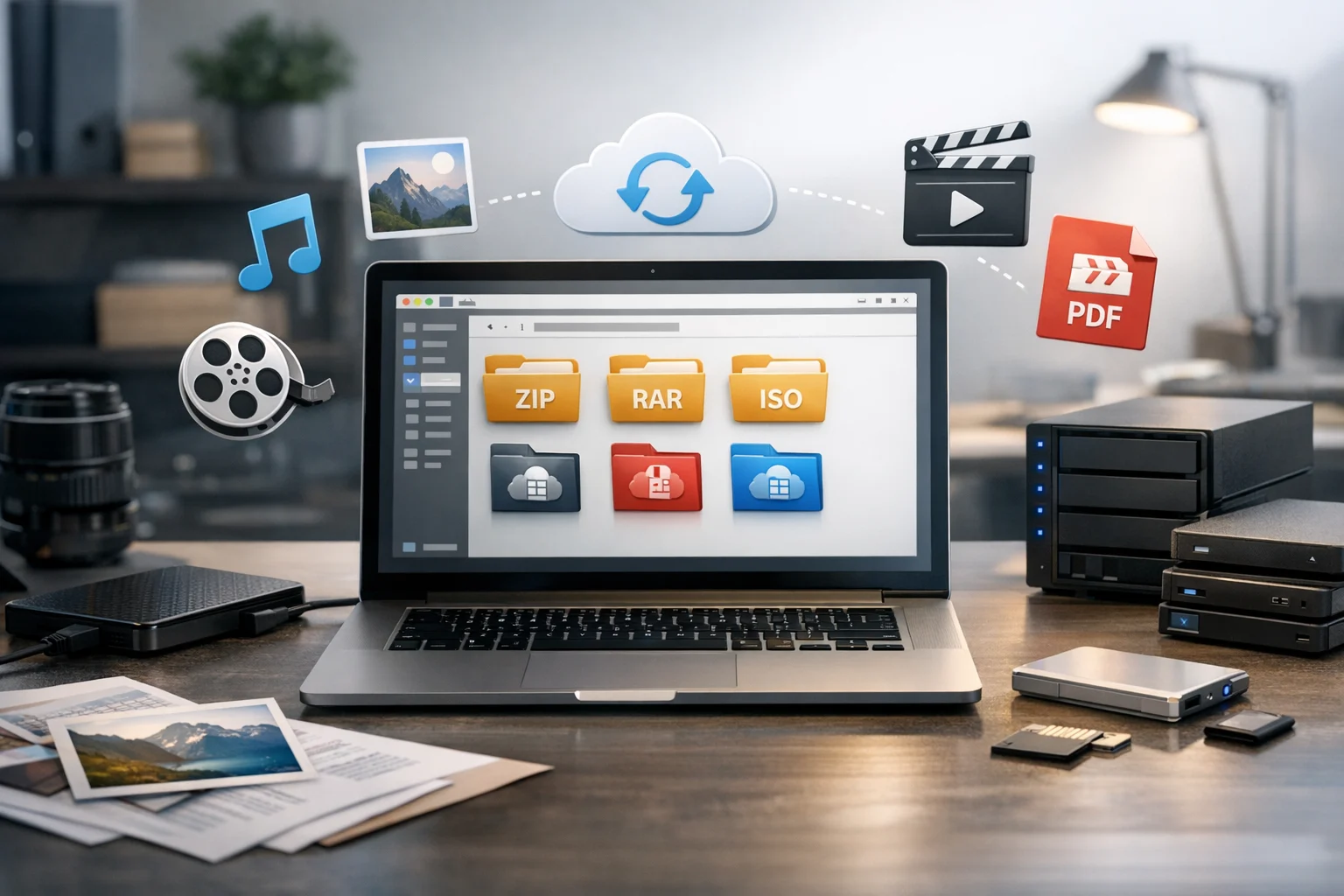
Picking the best archive format for long-term file storage sounds simple until you have years of documents, photos, videos, project folders, and backups to manage. A format that works fine for quick sharing is not always the best choice for storage that needs to stay accessible, organized, and intact over time.
For students, creators, freelancers, office teams, marketers, developers, and small businesses, the right archive format can make a big difference. It affects compatibility, file compression, upload size, download speed, and how easily you can restore files later. It also affects how practical your file backup workflow will be if you use cloud storage or external drives.
ZIP is usually the best archive format for long-term file storage for most people. It has the widest support across operating systems and apps, it is easy to open years later, and it works well for mixed folders of documents, images, PDFs, and media. But ZIP is not always the best in every case. Sometimes 7z saves more space, TAR or TAR.GZ make more sense for server backups, and RAR still has a place for certain workflows.
What matters most is not just compression ratio. Long-term storage depends on accessibility, format stability, privacy, and whether the files inside the archive are stored in future-friendly formats too.
What makes an archive format good for long-term storage
If you want files to remain useful years from now, an archive format should do more than just shrink folder size. A good long-term format needs to balance a few practical things:
- Wide compatibility so you can open it on Windows, Mac, Linux, and mobile tools
- Stable format support so it is still easy to access later
- Reliable file compression without creating unnecessary complexity
- Support for large files if you archive videos, design assets, or data exports
- Optional encryption for private or business files
- Easy sharing and recovery if you need to restore only part of the archive
That is why the best choice is often not the most compressed format. For long-term file storage, accessibility matters just as much as size.
Why ZIP is usually the safest long-term choice
A ZIP archive is the most practical default for long-term file storage. It is supported almost everywhere without extra software, which makes it far easier to open in the future than more niche formats.
ZIP is a strong choice when you are storing:
- Class notes and assignment folders
- Invoices, spreadsheets, and document storage backups
- Marketing assets and exported reports
- Website files and code snapshots
- Photos, PDFs, and mixed project folders
The main reason ZIP wins for long-term use is simple: almost everyone can open it. Even if you change computers, operating systems, or storage providers later, there is a very high chance ZIP support will still be built in.
ZIP also keeps workflows simple for teams. If you share archived client deliverables, handoff documents, or old project folders, nobody has to stop and install a special extractor. That convenience is important when archives are revisited months or years later.
If you need a quick way to bundle folders for long-term storage, ConvertAndStore makes it easy to create a ZIP archive directly from your files.
The tradeoff is that ZIP does not always compress as tightly as 7z, especially for large collections of already optimized files. Still, for most users, the balance of compatibility and simplicity makes ZIP the most dependable pick.
When 7z is better than ZIP
If storage efficiency matters more than universal built-in support, 7z is often the better format. It usually delivers stronger compression than ZIP, especially on large folders with documents, raw exports, logs, or repetitive data.
7z is a smart option when you:
- Need smaller archives for file backup
- Want to reduce upload size before sending files to cloud storage
- Archive large design projects or development folders
- Need strong encryption support
For people paying for storage, compression savings can add up. If you are working with cheap cloud storage plans, lowering archive size before upload can delay storage upgrades and reduce clutter. That is especially helpful for freelancers, agencies, and small businesses storing many project versions.
The downside is that 7z is not as universally supported natively as ZIP. Many users can still open it without trouble, but the format is slightly less friction-free for casual or shared access. If you know your future workflow will involve technical tools or desktop extractors, 7z can be excellent. If you want maximum ease for any device at any time, ZIP still has the edge.
ConvertAndStore also lets you create a 7z archive when tighter compression is worth the extra step.
Where RAR fits into long-term storage
A RAR archive has long been popular for strong compression, multi-part archives, and recovery features. It can still be useful, especially if you need to split large archives for transfers or keep compatibility with existing workflows.
RAR makes sense when you are:
- Working with legacy archives you already have
- Splitting very large uploads into parts
- Using a workflow that depends on built-in recovery records
For brand-new long-term storage, though, RAR is not usually the best first choice. It is more dependent on specific software and is less universal than ZIP. That does not mean it is bad. It just means it is not as practical as a default archive format for broad future access.
If you already have older RAR files and want a more common long-term option, a RAR to ZIP converter can help simplify your archive library.
When TAR and TAR.GZ are the better choice
TAR and TAR.GZ are common in Linux, server, and development environments. A TAR file mainly bundles files together, while TAR.GZ adds gzip compression on top.
These formats are strong choices when preserving folder structure matters and your environment already uses Unix-style tools. Developers and system admins often prefer them for project snapshots, deployment bundles, or server backups.
For regular users storing mixed personal or office files, TAR and TAR.GZ are usually less convenient than ZIP. They work well, but they are not always the easiest format for non-technical access later. If your archive needs to be opened by classmates, clients, office staff, or family members, ZIP is still usually the safer pick.
Best archive format by use case
- Best overall for long-term storage: ZIP
- Best for highest compression: 7z
- Best for Linux and server workflows: TAR or TAR.GZ
- Best for recovery and split archives: RAR
- Best for broad sharing and future access: ZIP
If you are unsure, choose ZIP. It is the safest general answer for mixed file types and long-term accessibility.
The archive format is only part of the storage decision
One common mistake is focusing only on the container and not the files inside it. An archive can stay perfectly intact for years, but the contents may still be awkward to use later if they are stored in less practical formats.
That is why long-term storage often starts with online file conversion before compression. A good file converter can help standardize the files you keep so they are easier to open, smaller to store, and more compatible across devices.
For example, if you want a future-friendly archive, you might convert image files, convert PDF files, or convert video files into more accessible formats before creating the final archive.
Images: keep quality, compatibility, and purpose in mind
When deciding the best image format for files that will sit in storage for a long time, context matters. The classic JPG vs PNG question is still relevant. JPG is smaller and better for photos. PNG is better for screenshots, logos, diagrams, and anything that needs transparency or sharper text.
The newer WebP vs PNG comparison matters too. WebP is often smaller and great for web delivery, but PNG still wins in some editing and compatibility workflows. If you are archiving final design assets, it can make sense to keep source files plus a widely usable export.
An image converter is useful when you need to standardize mixed folders before archiving. If your photo folder contains HEIC, PNG, JPG, and WebP together, converting to a consistent format can make future access much simpler.
This is not about converting everything into one format no matter what. It is about reducing unnecessary complexity before storage.
PDFs and scanned documents: store the most useful version
For contracts, proposals, receipts, reports, forms, and other document storage needs, PDF is still one of the safest formats to keep. A PDF converter can help when you need more flexibility across devices or workflows.
You may want to convert PDF files into lighter versions before archiving, or create previews for fast browsing. A PDF to JPG copy can be useful for thumbnails or quick visual reference, but the PDF should usually remain the master file if readability matters. The reverse is useful too. If you scan papers or store screenshots of receipts, image to PDF can help consolidate them into cleaner records.
These steps may sound small, but they help a lot when archives are reopened later and someone needs to find a document quickly without digging through many loose files.
Videos: use a practical playback format before archiving
Video files can take up far more space than documents or images, so format choice matters. In the MP4 vs MOV comparison, MP4 is usually the better format for long-term access and smaller storage. MOV can be great in editing workflows, but MP4 is often easier to play across devices and apps.
A video converter becomes useful when creators, marketers, or teams need to archive finished exports rather than editing masters. If you need to convert video files before upload, standardizing to MP4 can reduce future playback issues and save space at the same time.
This is one reason many teams combine file conversion and archiving. They clean up the files first, then compress and store the final set. ConvertAndStore has a helpful guide on how to reduce cloud storage costs by converting and compressing before upload.
Archive files are not the same as backups
A compressed file is not automatically a safe backup. Archiving helps organization and storage efficiency, but true file backup means keeping copies in more than one place.
A practical long-term setup looks like this:
- Keep the main working copy on your computer or team drive
- Create an archive for older versions, closed projects, or finished deliverables
- Store a copy in cloud storage
- Keep another copy on external storage if the files matter
- Test restores occasionally so you know the archive opens correctly
This matters even more for client work, legal documents, family photos, and financial records. The right archive format helps, but redundancy is what actually protects against loss.
How security affects the best archive choice
If your files contain contracts, personal data, internal reports, or private media, security should influence your archive plan. Password-protected archives can help, but they should be part of a larger security workflow rather than the only protection.
For sensitive files, think in layers:
- Use archive encryption when needed
- Store passwords in a separate password manager
- Use access controls if the files are shared
- Back up important archives to trusted storage
- Prefer secure file storage practices for business and personal records
If your long-term workflow includes online storage, look beyond simple price alone. Cheap cloud storage can be useful, but sensitive archives often belong in encrypted cloud storage or other protected systems designed for secure file storage. ConvertAndStore explains more in this guide to encrypted cloud storage and why it matters for business files.
Simple recommendations for different users
Students
Use ZIP for semesters, research folders, scanned notes, and final submissions. Convert scattered files into consistent PDFs or images before archiving so you can find them easily later.
Creators and marketers
Keep source assets separately when needed, but archive final deliverables in ZIP or 7z. Convert web images and final videos into practical formats before storage to save space and improve future access.
Small businesses and office teams
Use ZIP for client folders, invoices, HR records, and document storage. Make security part of the workflow, especially if archives are uploaded to shared cloud storage.
Developers
Use TAR or TAR.GZ for Linux and deployment environments, or 7z when you want stronger compression for large project archives. Keep exports and dependency-heavy folders organized before compression.
Freelancers
ZIP is usually the easiest option for handoff, backups, and archive retrieval. When storage costs matter, combine file conversion with compression before uploading old projects.
A practical workflow that holds up over time
If you want a simple system that works for almost any type of file, use this order:
- Delete duplicates and obvious junk first
- Use a file converter when needed to standardize images, PDFs, or videos
- Group files into clear folders by project, date, or client
- Create a ZIP archive for maximum compatibility, or 7z if storage savings matter more
- Upload a copy to cloud storage and keep another backup elsewhere
- Label archives clearly so you know what is inside without opening each one
That process is usually better than compressing a messy folder and hoping it stays understandable later.
Frequently Asked Questions
For most people, ZIP is the best archive format for long term file storage because it is widely supported, easy to open, and practical for mixed folders of documents, images, PDFs, and videos.
7z is often better for compression and can save more space than ZIP, but ZIP is usually better for long term accessibility because it works more easily across devices and operating systems.
Yes, in many cases. Converting images, PDFs, or videos into more compatible or smaller formats before archiving can make long term storage easier to manage and reduce cloud storage use.
It helps, but it should not be your only protection. Sensitive files are safer when archive encryption is combined with strong passwords, controlled access, backups, and secure or encrypted cloud storage.
Yes. A single ZIP or 7z archive can hold mixed file types. Just make sure the files inside are organized clearly and saved in formats that will still be easy to open later.