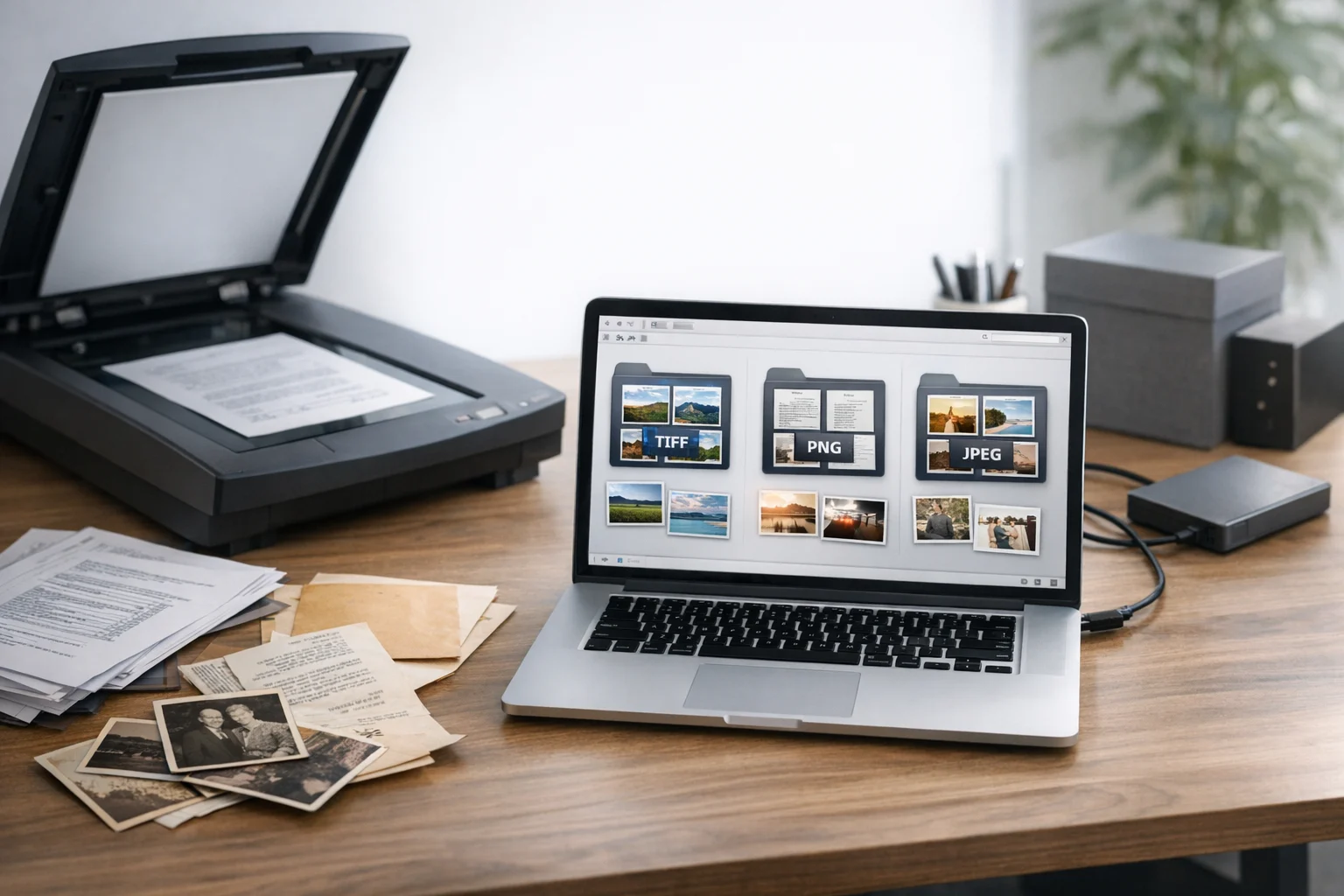
When you scan a contract, receipt, certificate, signed form, book page, or old photo, the file format you save can affect quality, searchability, storage cost, and long term usability. TIFF, PNG, and JPEG are all common image types, but they serve different goals. One is better for preservation, another is better for crisp text, and another is better for smaller file sizes and quick sharing.
If you're trying to pick the best image format for scanned documents and archiving, the short answer is this: TIFF is usually best for master copies and preservation, PNG is excellent for clean text and graphics when you want lossless quality in a smaller and more compatible file, and JPEG is best when file size matters more than perfect fidelity. The right choice depends on whether you're building an archive, sending files to clients, using OCR, or trying to keep cloud storage costs under control.
This matters for students saving notes, freelancers scanning invoices, office teams digitizing records, marketers managing creative approvals, developers handling document assets, and small businesses trying to balance quality with efficient document storage. A good file converter or image converter can help later, but starting with the right format saves time and avoids quality loss.
What makes scanned document formats different?
Scanned files are not all the same. A black and white tax form has different needs than a glossy brochure or a faded family photo. Scans usually fall into a few categories:
- Text heavy pages such as contracts, reports, notes, and letters
- Mixed documents with text, logos, highlights, stamps, and signatures
- Photo based pages such as magazine pages, brochures, and printed images
- Archival records where preserving as much original detail as possible matters
The format you choose controls whether compression is lossless or lossy, how large the file becomes, how widely it opens across devices, and how clean the text remains after storage, conversion, and sharing.
TIFF for scanned documents and archives
TIFF has long been a standard in publishing, digitization, records management, and archival workflows. It supports high resolution images, rich metadata, and lossless storage options. For many scanning projects, TIFF is the format used for the original master file.
Why TIFF is strong
- Excellent image fidelity. TIFF can preserve fine details with little or no quality loss.
- Good for archival masters. Many organizations keep TIFF files as preservation copies because they retain more data than JPEG.
- Supports lossless compression. TIFF can use compression methods that reduce size without throwing away image information.
- Useful for OCR workflows. Clean, high resolution TIFF scans often work well for text recognition.
- Can support multi page documents. Some workflows use multi page TIFF files for batches of related scans.
Where TIFF falls short
- Larger file sizes. TIFF files can become heavy fast, especially in color and at high resolution.
- Less convenient for casual sharing. Phones, browsers, and some apps handle PNG and JPEG more smoothly.
- Not always the easiest for everyday users. If you just need to email a receipt or upload a form, TIFF may feel like overkill.
For archiving, TIFF is hard to beat when the goal is to preserve a clean source file. If you need a long term master copy of legal records, historical documents, or production scans, TIFF is usually the safest pick. If you already have scans in different formats, a TIFF converter can help standardize them into a more archive friendly workflow.
PNG for crisp documents, screenshots, and lossless sharing
PNG is another lossless format, but unlike TIFF, it's far more common in day to day digital use. It works especially well for scans with sharp edges, text, line art, diagrams, stamps, and signatures.
Why PNG works well
- Lossless quality. PNG preserves detail without the artifacts you get from JPEG.
- Great for text and line art. Letters, numbers, borders, logos, and diagrams often stay very clean.
- Widely compatible. PNG opens in browsers, phones, laptops, and design tools with no friction.
- Often smaller than TIFF. For many text based scans, PNG can deliver excellent quality with more practical file sizes.
Where PNG is weaker
- Not ideal for very large archives. PNG can still be bulky if you scan hundreds or thousands of pages.
- Less suited to photographic pages than JPEG. A brochure or photo scan may be bigger than needed in PNG.
- Usually one page per file. That can make organization harder unless you package files well.
PNG is often the sweet spot for forms, worksheets, receipts, screenshots, annotated drafts, and image based records that need to stay sharp. If you compare JPG vs PNG for scanned text, PNG usually wins on clarity. That's one reason people often choose PNG for signatures and low contrast black text where JPEG artifacts would be distracting.
If you need to convert image files for a cleaner text result, ConvertAndStore offers image converter tools that make it easy to change formats without complicating your workflow.
JPEG for small files and fast sharing
JPEG is still one of the most common image formats in the world because it keeps file sizes low. It's efficient, universal, and easy to upload, but it uses lossy compression, which means it removes some image data to save space.
Why JPEG is useful
- Small file sizes. JPEG is often much smaller than TIFF or PNG.
- Very compatible. Almost every device, app, and browser supports it.
- Good for photo heavy scans. If you're scanning printed photos, flyers, or magazine pages, JPEG can be practical.
- Convenient for email and quick upload. It helps when file limits are tight.
Where JPEG causes problems
- Lossy compression can blur text. Small letters, fine lines, and stamps may degrade.
- Repeat edits can reduce quality further. Saving a JPEG over and over can compound artifacts.
- Not ideal for archive masters. If you want long term preservation, JPEG is not the strongest source format.
JPEG is usually best for access copies, not preservation copies. That means you might keep the original in TIFF or PNG, then export a JPEG version to send to clients, upload to a portal, or attach to a form. If you need a smaller version for faster sharing, a PNG to JPG converter can help create a lighter copy while keeping your lossless original separate.
Which format is best for common scanning jobs?
Contracts, letters, and text heavy pages
Choose PNG if you want clear text and easy compatibility. Choose TIFF if this is a preservation copy or part of a formal records archive. Use JPEG only if you need a small quick share version.
Signed forms, invoices, receipts, and statements
PNG is often ideal because signatures, lines, and fine print stay sharp. TIFF is strong if you need archival quality or batch scanning for records. JPEG is acceptable for temporary access copies.
Old family records, historical papers, and legal archive material
TIFF is usually the safest choice for the master copy. If you need a more accessible working file, create a PNG or PDF copy from the master rather than relying only on JPEG.
Printed photos, brochures, and image rich pages
JPEG can work well if storage space matters and the content is more photographic than text based. TIFF is better if you're preserving the scan at the highest practical quality.
Screenshots, diagrams, and UI captures
PNG is usually the winner. This is similar to the broader JPG vs PNG decision people make for interface graphics. If your work includes web visuals, you'll also see related tradeoffs in WebP vs PNG comparisons, where compatibility and compression goals differ from archival scanning.
What about OCR and searchable records?
If you plan to run OCR on scanned documents, image clarity matters more than just the extension. Clean contrast, straight pages, and enough resolution are crucial. That said, TIFF and PNG generally give OCR engines cleaner source data because they avoid the compression artifacts that can appear in JPEG.
For office teams scanning forms, statements, reports, and hand signed pages, a common approach is:
- Scan a master in TIFF or PNG
- Run OCR in your document workflow
- Create a PDF copy for sharing or long term retrieval
This is where format choice becomes part of a broader file system. Many teams use a PDF converter to convert PDF files for portability, generate PDF to JPG previews for quick review, or create image to PDF packets for upload. If your scans are image files today, you may still want a PDF version tomorrow because PDFs are easier to keep as one document instead of many separate pages.
TIFF, PNG, and JPEG for long term archiving
Archiving is different from everyday sharing. A good archive should make it easy to preserve originals, find files later, avoid duplicates, and protect sensitive records. Here is how the three formats stack up for long term use:
- TIFF: Best for master preservation copies where accuracy matters more than size
- PNG: Strong choice for lossless access copies, especially text heavy pages and visual records
- JPEG: Best as a delivery format, not a primary archive source
If you care about file backup and retention, it's often wise to keep one high quality master plus one smaller access copy. For example:
- Master archive: TIFF
- Working copy: PNG
- Share copy: JPEG or PDF
This layered approach is more flexible than trying to make one file do everything.
Storage size, file compression, and upload costs
Storage is where format decisions become expensive. A large TIFF archive can grow quickly, especially for color scans and multi page collections. That's not always a problem, but if you're paying for cloud storage, especially cheap cloud storage with strict limits, your format policy matters.
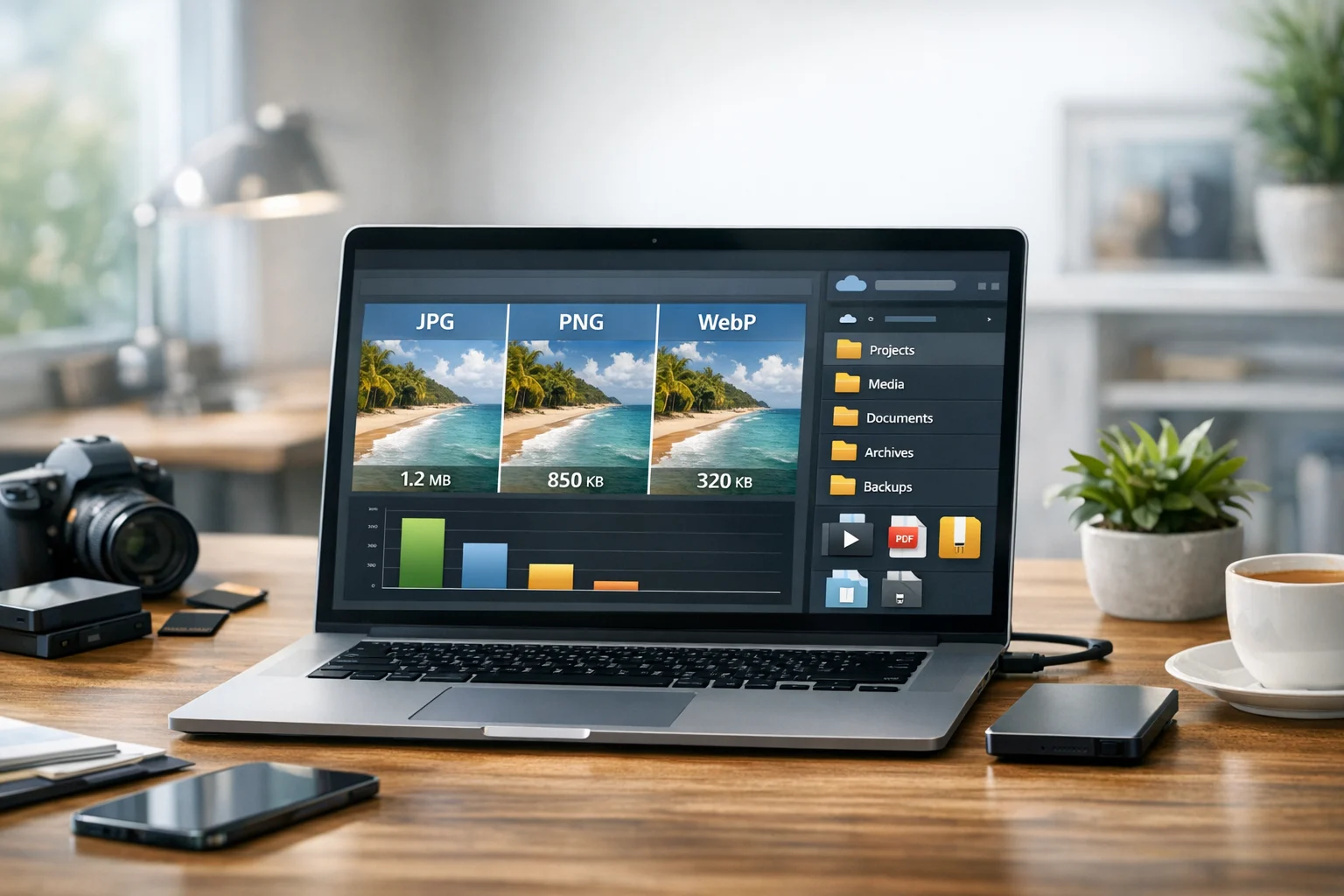
JPEG saves the most space, but the lower quality may not be acceptable for records. PNG sits in the middle for many scanning tasks. TIFF gives you the highest preservation value, but usually at the biggest storage cost.
That means file compression and smart conversion strategy matter. Before uploading, it helps to decide which files need to stay lossless and which can be optimized. If you're trying to reduce long term storage spend, this guide on how to reduce cloud storage costs before you upload is a practical next read.
For big batches, you may also package scans into a ZIP archive for easier transfer and organization. Some teams still encounter a RAR archive in older workflows, but ZIP is more universally supported. Packaging is useful for transport, though it doesn't replace choosing the right source format.
Security and privacy for scanned documents
Scanned documents often contain IDs, contracts, tax records, signatures, health details, or internal business information. The format you choose affects quality and compatibility, but privacy depends on where and how you store those files.
For sensitive records, use secure file storage with clear folder structure, access controls, and dependable file backup. If privacy matters, encrypted cloud storage is worth prioritizing over convenience alone. A messy archive full of duplicate JPEGs and unnamed scans is not just annoying. It can become a security and compliance problem.
For students and solo users, this may simply mean keeping scans in labeled folders and backing them up regularly. For businesses, it means treating document storage as part of your operating system, not an afterthought.
Compatibility and everyday sharing
If you need maximum compatibility for a normal user, PNG and JPEG are easier than TIFF. TIFF is common in professional workflows, but not every browser, app, or mobile device handles it smoothly. If you're sending files to a client, coworker, or teacher who may not have specialized software, PNG or PDF is often safer.
This is one reason conversion matters. A file converter is not just for changing extensions. It helps you create the right version for the right audience without damaging your original. You might preserve a scan in TIFF, then convert image files to PNG for editing or to JPEG for email. That flexibility is especially useful in online file conversion workflows where people need quick access from different devices.
When to use PDF instead of TIFF, PNG, or JPEG
Even though this comparison focuses on image formats, many scanned document workflows eventually end in PDF. If you have a multi page contract, employee packet, school application, or invoice set, a PDF is often easier to manage than a folder full of images.
Use image formats when you need image quality, editing flexibility, or archival masters. Use PDF when you need a portable document that stays together as one file. In real workflows, both are common:
- Scan to TIFF for archival preservation
- Convert selected pages to PNG for clean editing or review
- Create a PDF for sharing, storage, or submission
That same logic shows up in other formats too. People compare MP4 vs MOV when they use a video converter to convert video files for compatibility, just like they compare TIFF vs PNG vs JPEG for scans. The best format depends on the job, not just the file type. ConvertAndStore is built around that kind of practical decision making, whether you need an image converter, a PDF converter, or broader tools for handling digital assets.
A simple decision guide
- Choose TIFF if you need archival quality, a preservation master, or the highest fidelity scan
- Choose PNG if you need sharp text, signatures, diagrams, or lossless quality with better compatibility
- Choose JPEG if you need the smallest file and the document is mostly photographic or only for quick access
- Use PDF as a companion format when the scan needs to be bundled, shared, searched, or submitted as one document
Common mistakes to avoid
- Using JPEG as the only archive copy. It may save space now but can cost you detail later.
- Converting repeatedly between lossy formats. Each pass can reduce quality.
- Scanning everything to TIFF without a storage plan. Great quality is less helpful if your archive becomes hard to manage.
- Ignoring file names and versioning. Separate masters from share copies clearly.
- Storing sensitive scans without secure file storage. Format choice does not equal privacy protection.
If you want a stronger system for naming, backup, and organization after conversion, this guide to best practices for file conversion, backup, and storage fits well with a long term scanning workflow.
Frequently Asked Questions
PNG is usually the best everyday choice for text heavy scans because it keeps letters, lines, and signatures sharp without JPEG artifacts. If you need an archival master, TIFF is often better.
Yes. TIFF is generally better for archiving because it supports lossless storage and preserves more detail. JPEG is more useful as a smaller share copy than as the only long term master.
Use images like TIFF or PNG when you want high quality source files or need page level editing. Use PDF when you want multiple pages in one document for sharing, submission, or searchable records.
Usually yes. JPEG uses lossy compression, so text edges and fine details can soften or show artifacts. It is best to keep a lossless original and create JPEG only when you need a smaller copy.
Use secure file storage with strong access controls, regular file backup, organized folders, and ideally encrypted cloud storage. Keep archival masters separate from temporary share copies so important files are easier to protect and manage.