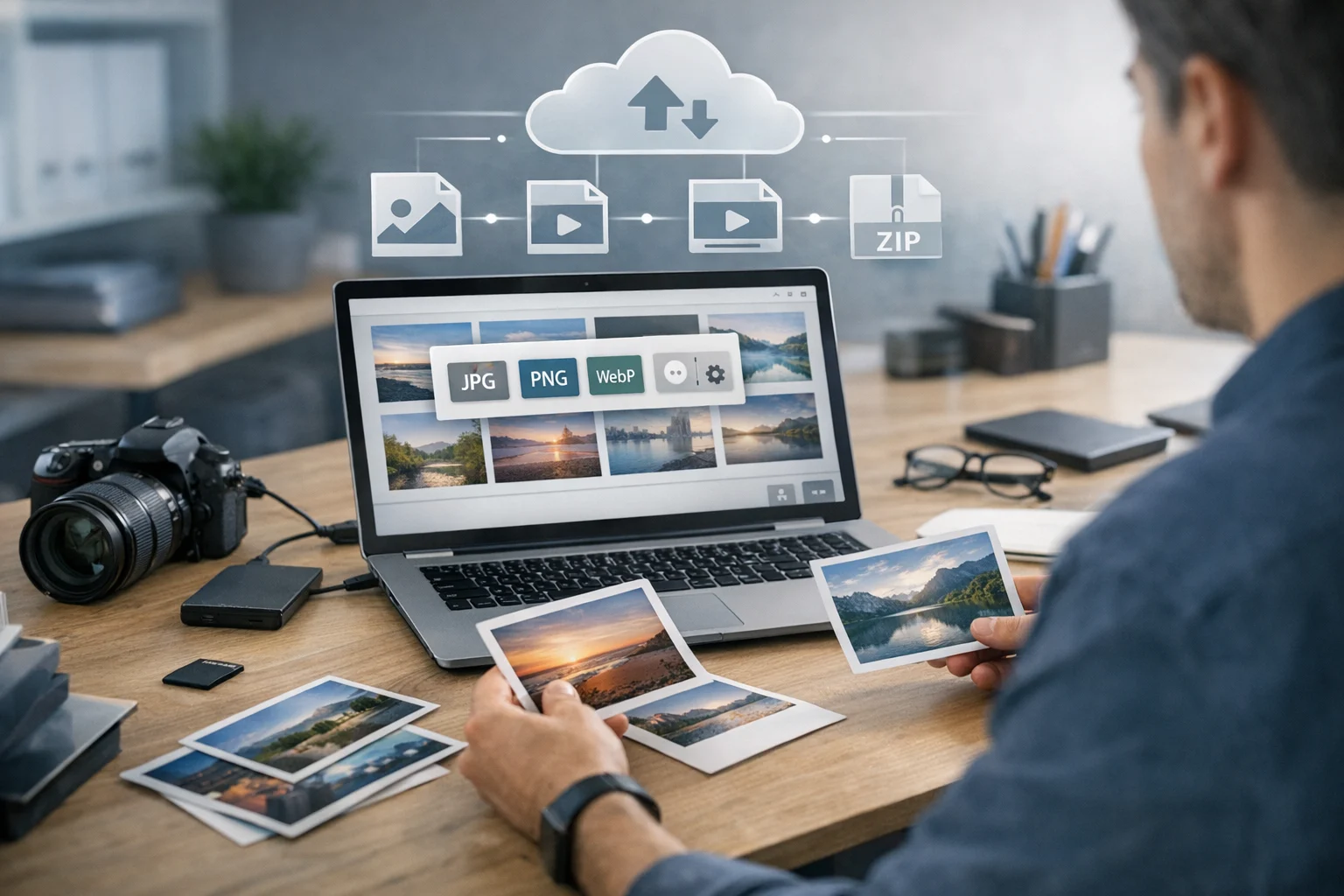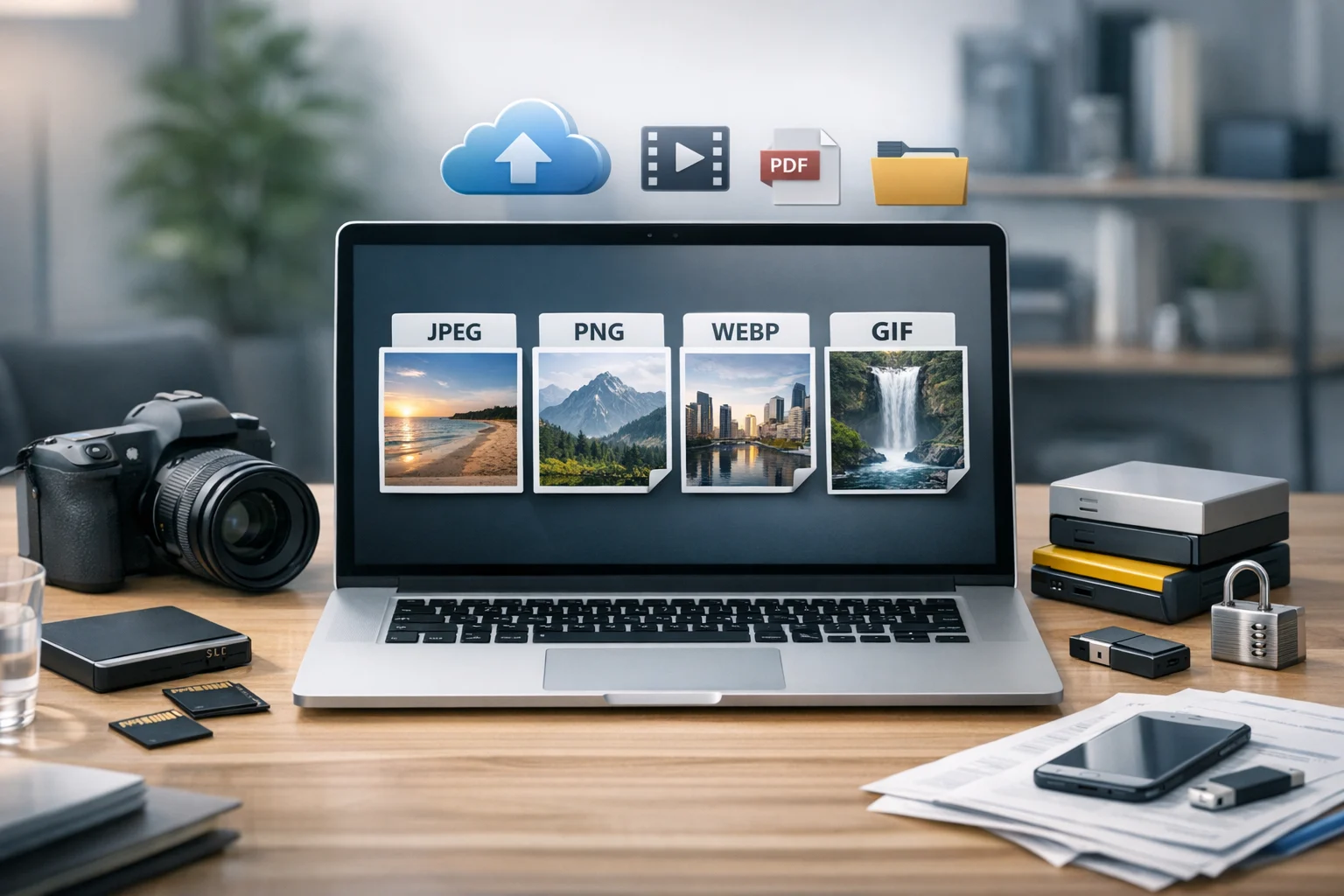
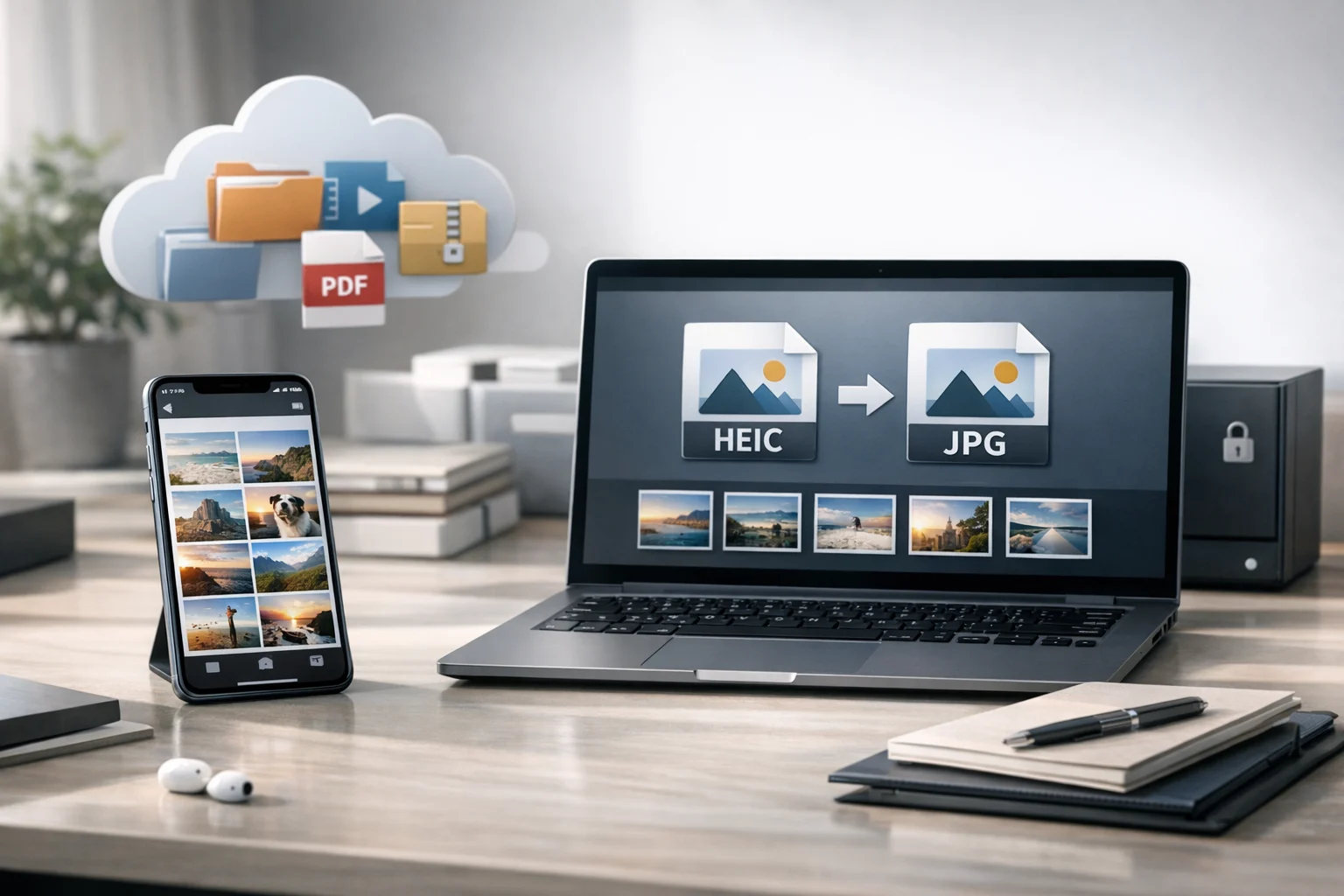
If you use an iPhone, you have probably run into the HEIC format without realizing it. You take a photo, send it to a classmate, upload it to a website, drop it into a work report, or try to open it on an older device, and suddenly the image becomes a format problem. That is where the HEIC vs JPEG question matters.
For many people, HEIC is great until it gets in the way. It saves space, looks good, and works smoothly inside the Apple ecosystem. But the moment you need wider compatibility, easier uploads, or simpler sharing, JPEG often becomes the safer choice. Knowing when to keep HEIC and when to convert image files can save time, reduce frustration, and keep your files ready for school, work, marketing, design, and everyday use.
This matters for more than personal snapshots. Students may need to upload iPhone photos into learning portals. Creators may need consistent image formats for websites and social posts. Small businesses and office teams often need images that work inside reports, product listings, and document storage systems. Developers, marketers, and freelancers may also care about file size, automation, and long-term file backup.
Here is how HEIC and JPEG compare, when converting makes sense, and how to choose the right format for sharing, editing, cloud storage, and secure file storage.
What HEIC and JPEG actually are
HEIC is a modern image format used by Apple for many iPhone photos. It is based on efficient compression, which means it can store high-quality images in smaller file sizes than JPEG in many cases. That makes it useful when you want to save storage on your phone or in the cloud.
JPEG, or JPG, is one of the most widely supported image formats in the world. It has been around for years, and almost every device, browser, app, printer, CMS, and email platform can open it without trouble. When people talk about the best image format for broad compatibility, JPEG is usually near the top of the list.
The simple version is this:
- HEIC is usually more efficient and can keep strong visual quality at smaller sizes.
- JPEG is easier to use almost everywhere.
The better choice depends on what you need to do next.
Why iPhones use HEIC
Apple adopted HEIC because storage efficiency matters. If your phone captures thousands of images, smaller file sizes add up fast. HEIC also supports advanced image data and works well with Apple features such as Live Photos and other computational photography tools.
For people who mostly stay inside Apple apps and services, HEIC is often invisible. Photos look great and take up less space. Problems usually appear when the files leave that environment.
Why JPEG is still everywhere
JPEG remains the default for compatibility. If you send a JPG to a teacher, coworker, client, or customer, chances are it opens instantly. That matters when speed and reliability are more important than squeezing out the smallest file size.
JPEG also works well with older software, print services, office documents, and websites that do not support HEIC upload. If you need a low-drama format, JPEG is often it.
HEIC vs JPEG in real-world use
On paper, HEIC often wins on efficiency. In real use, the decision comes down to quality, size, compatibility, and workflow.
File size
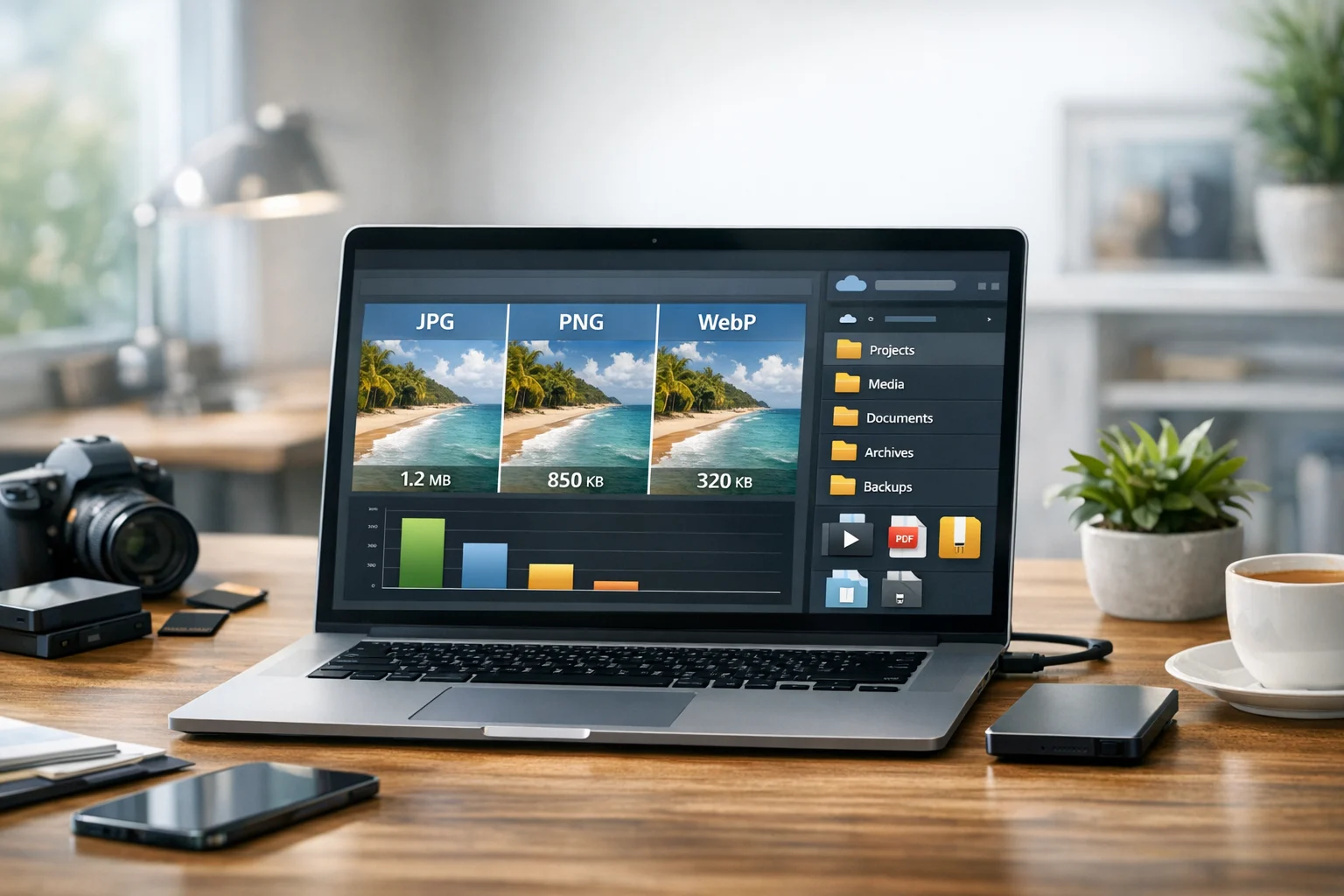
HEIC is usually smaller than JPEG for similar visual quality. That means more photos on your device and less storage used in cloud storage accounts. If you are trying to control sync space or keep cheap cloud storage costs manageable, HEIC has a clear advantage.
Still, file size is not the only factor. A smaller file is not very helpful if the receiving app refuses to open it.
Image quality
HEIC can preserve excellent quality at relatively small sizes. JPEG can also look very good, especially at high-quality settings, but it often needs more space to do it. For casual viewing, the difference may be hard to notice. For repeated editing and resaving, JPEG is more likely to show quality loss over time.
If you convert HEIC to JPEG once at a good quality setting, the result is usually perfectly fine for sharing, presentations, product listings, and everyday printing. But if you keep opening and re-exporting that JPEG over and over, quality can gradually decline.
Compatibility
This is where JPEG usually wins. HEIC support has improved, but it is still not universal. Some websites, older Windows systems, learning platforms, internal office tools, or third-party apps may reject HEIC uploads. Even when HEIC opens, the preview may not render correctly in every tool.
JPEG works almost everywhere. If you are sending images outside Apple apps, JPEG is often the safer choice.
Editing and publishing
Many modern editors support HEIC, but not all do. If your workflow includes content management systems, design software, ecommerce platforms, ad tools, or automated scripts, JPEG may fit more smoothly. That is especially true for teams that handle mixed operating systems or shared drives.
If you need flexible format options beyond JPEG, ConvertAndStore offers image converter tools that help you prepare files for whatever platform comes next.
When you should keep iPhone photos as HEIC
Not every iPhone photo should be converted. In many situations, HEIC is the smarter format.
- You want to save storage space. HEIC is efficient, so keeping originals in HEIC helps reduce storage use on your device and in backups.
- You mostly use Apple devices. If your photos stay inside Photos, AirDrop, iCloud, and Apple apps, HEIC usually works well.
- You want high-quality originals. HEIC can be a good master format for personal photo libraries.
- You plan to archive originals and only convert copies. This is a strong approach for creators, freelancers, and teams who want a clean file backup workflow.
A practical rule is to keep the original HEIC file if you might need it later, then create a JPEG version only when you need broader compatibility.
When converting iPhone photos to JPEG makes sense
This is where most people save time. Convert HEIC to JPEG when compatibility matters more than storage efficiency.
- Emailing or messaging photos to mixed-device users. JPEG is less likely to confuse the recipient.
- Uploading to school, work, or government portals. Many systems accept JPG but not HEIC.
- Adding images to Word, PowerPoint, Google Slides, or PDFs. JPEG usually behaves more predictably.
- Printing photos at kiosks or through older services. JPEG is widely accepted.
- Posting product images to marketplaces or CMS platforms. Some services still reject HEIC.
- Sharing files with clients. JPEG avoids support issues and makes approvals easier.
- Using images in automated workflows. Developers and office teams often prefer standard inputs that are easy to process.
Convert when the next app, person, or platform expects a standard format.
Will converting HEIC to JPEG reduce quality?
Yes, technically, because JPEG is a lossy format. But in many everyday cases, the quality change is small enough that people will not notice it.
What matters is how you convert and how often:
- One careful conversion at a high-quality setting is usually fine.
- Repeated conversions or heavy editing after conversion can add visible loss.
- If the photo is important, keep the original HEIC as a backup.
This is similar to the broader difference between format changes and file size reduction. If you want a deeper look at that tradeoff, ConvertAndStore explains it well in Image Compression vs Image Conversion: When Each Matters.
That distinction matters because people often mix up conversion and file compression. Converting changes the format. Compression reduces size, sometimes with quality tradeoffs, sometimes without, depending on the method. You may need one, the other, or both.
Is JPEG always the best image format after HEIC?
Not always. JPEG is excellent for compatibility, but the best image format depends on what the image is for.
If the file is a regular photo and you need wide support, JPEG is a strong choice. But other formats can be better in specific cases:
- PNG is often better for screenshots, text-heavy graphics, and images that need crisp edges.
- WebP is often a better web format when you want smaller files for websites.
- PDF is useful when you need to package images into a document for sharing or printing.
That is why format comparisons like JPG vs PNG and WebP vs PNG matter. A photo from your iPhone might convert nicely to JPEG for email, to PNG for a screenshot-based workflow, or to WebP for a website. If you are publishing images online, this guide on JPEG vs PNG vs WebP for Website Images and Online Sharing can help you choose more confidently.
If your final destination is the web, a converted JPEG can also be turned into WebP to reduce page weight. ConvertAndStore has a simple JPG to WebP converter for that next step.
When HEIC should become PDF, PNG, or another format
Sometimes JPEG is not the end goal. People often need iPhone photos inside a broader file workflow.
For example, students and office teams may need to turn a photo of notes, receipts, forms, or whiteboards into a report. In that case, image to PDF may be more useful than a standalone JPG. Marketers might need PDF to JPG previews for slides or social posts. Teams that handle invoices, proposals, and scanned records often need to convert PDF files as part of the same process, using a reliable PDF converter alongside image tools.
The same thing happens with media projects. If you manage both photos and clips from an iPhone, you may also need a video converter to convert video files for easier playback or editing. That is where questions like MP4 vs MOV come up, just as HEIC vs JPEG does for still images.
Image conversion rarely happens in isolation. Once you start organizing files for real use, you are often dealing with photos, PDFs, videos, archives, and storage together.
How conversion affects storage, sharing, and backup
It is easy to think of format conversion as only a compatibility fix, but it also affects storage planning.
If you keep every iPhone photo as HEIC, you save space. If you convert everything to JPEG, files may be easier to use but could take more room. The smart approach for many people is to keep original HEIC images for file backup, then export only the JPEG copies they actually need.
This helps in several ways:
- You preserve a high-quality source file.
- You avoid bloating folders with unnecessary duplicates.
- You can organize originals and shareable copies separately.
- You keep document storage and media folders cleaner for teams.
For larger projects, you can also bundle converted images into a ZIP archive for easier delivery or internal handoff. If you receive old project folders in a RAR archive, extracting and reorganizing them before upload can simplify the workflow. Archive formats are especially helpful when sending many photos at once or creating structured backups.
And if you are paying for cloud storage, every duplicate matters. Converting only what you need and using file compression where appropriate can reduce unnecessary upload size. That becomes even more important for businesses, creators, and teams looking for cheap cloud storage without losing control over their files.
Privacy and secure file storage matter too
Photos are not always casual files. They might contain IDs, contracts, property images, medical paperwork, receipts, classroom notes, or client materials. That is why file handling should include privacy, not just format choice.
If you are moving sensitive photos between devices, folders, and team members, think about more than whether the file is HEIC or JPEG. Think about where it is stored, who can access it, and whether your backup workflow is protected. For business and professional use, encrypted cloud storage and secure file storage are often just as important as the conversion itself.
ConvertAndStore covers that side of file management too in How Encrypted Cloud Storage Protects Sensitive Business Files. It is a useful read if your photo workflow includes contracts, customer records, product proofs, or internal documentation.
A practical rule for deciding whether to convert
If you are unsure what to do with an iPhone photo, use this simple checklist:
- Keep it as HEIC if you want efficient storage and mostly use Apple tools.
- Convert to JPEG if you need maximum compatibility for upload, sharing, or editing.
- Convert to PNG if the image is a screenshot or graphic with text.
- Convert to WebP if the image is going on a website and you want smaller delivery size.
- Turn it into PDF if the image belongs inside a shareable document or record.
That approach keeps your originals protected while making your working copies fit the task.
Common mistakes people make with iPhone photo conversion
- Converting everything automatically. This creates unnecessary duplicates and larger storage use.
- Deleting the original too soon. Keep the HEIC file until you know the converted copy works.
- Using the wrong target format. A screenshot converted to JPEG may look worse than PNG.
- Ignoring storage impact. Lots of JPEG copies can quietly increase backup and sync costs.
- Forgetting the broader workflow. If the photo will end up in a PDF, website, or archive, plan for that from the start.
Good file management is not just about conversion. It is about choosing the right version for the right use case.
How HEIC fits into a broader file management workflow
Once you start paying attention to image formats, it becomes easier to manage other file types well too. The same logic applies across your files:
- Use an image converter when you need to convert image files for sharing, publishing, or editing.
- Use a file converter when different file types need to work across devices and apps.
- Use online file conversion when you need a fast browser-based option without extra software.
- Use file compression and archive formats when you need easier transfer and storage.
- Use organized cloud storage and backups when you need access, protection, and long-term retention.
A platform like ConvertAndStore is useful beyond one single task. The same person who needs HEIC to JPG today may need PDF conversion, image compression, archive creation, or video conversion tomorrow.
Frequently Asked Questions
HEIC is usually better for saving storage space while keeping strong image quality. JPEG is better when you need the photo to open easily on more devices, apps, websites, and older systems.
Convert to JPEG when you need broader compatibility, such as emailing photos, uploading to school or work portals, using older software, printing through standard services, or sharing files with clients who may not support HEIC.
A single high quality conversion can slightly reduce quality, but the difference is often hard to notice in normal use. The bigger risk comes from repeated editing and re saving JPEG files, which can cause visible quality loss over time.
Yes. Keeping the original HEIC file is a smart backup practice. It preserves the smaller, high quality source file while letting you use JPEG copies for sharing, uploads, or publishing.
Sometimes, but not always smoothly. Many people convert HEIC first because JPEG, PNG, and WebP are more predictable for websites, and JPEG or PDF formats are easier for documents. HEIC files can still be stored in ZIP archives for backup, but they may not be the best format for direct publishing.